Collect every guest photo in one place, export a full-resolution copy, back it up twice, and pick a small set of favorites to print or share. The earlier you do this, the less you'll need to chase people for pictures.
1. Collect in one place
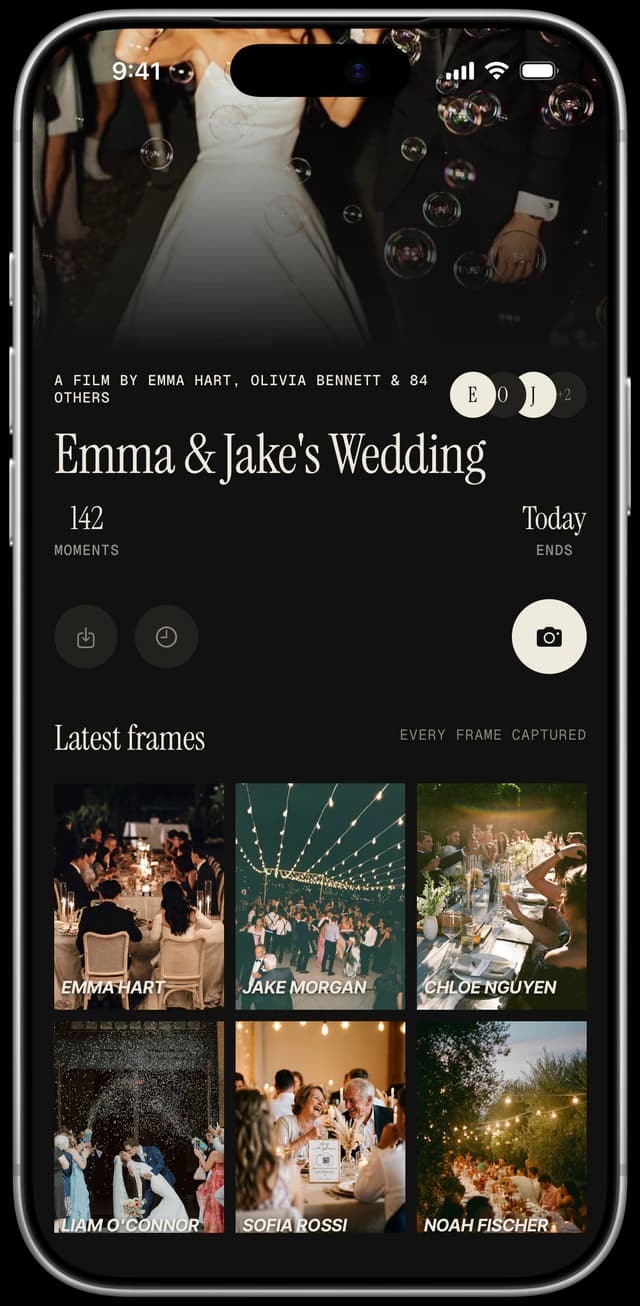
Photos scattered across texts, group chats, and cloud folders are hard to sort. Decide on one collection point before the wedding. A QR code that opens a shared camera puts every frame into one roll. See collecting guest photos without chaos and Google Photos vs WhatsApp.
2. Export a full-resolution copy
With Evershots, photos are kept for one year, and you can export in full 4K. Export sooner rather than later, and don't rely on any app as your only archive.
3. Back up twice
Use the 3-2-1 idea: three copies, on two kinds of storage, with one off-site. A laptop, an external drive, and a cloud folder cover it.
4. Sort lightly
- ·Delete obvious misses.
- ·Star favorites.
- ·Group by moment: ceremony, dinner, dancing.
- ·Don't aim for perfection.
5. Share and print
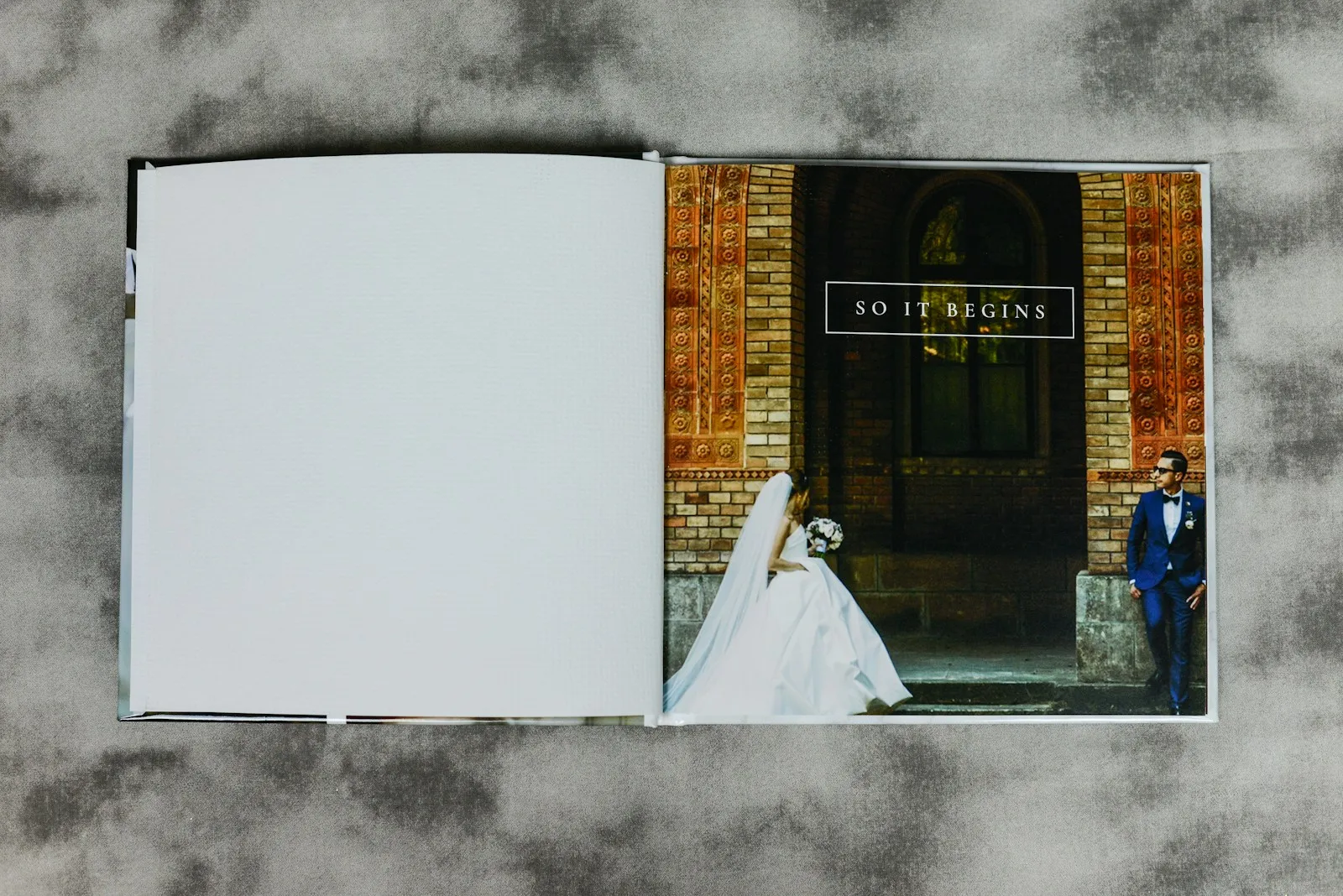
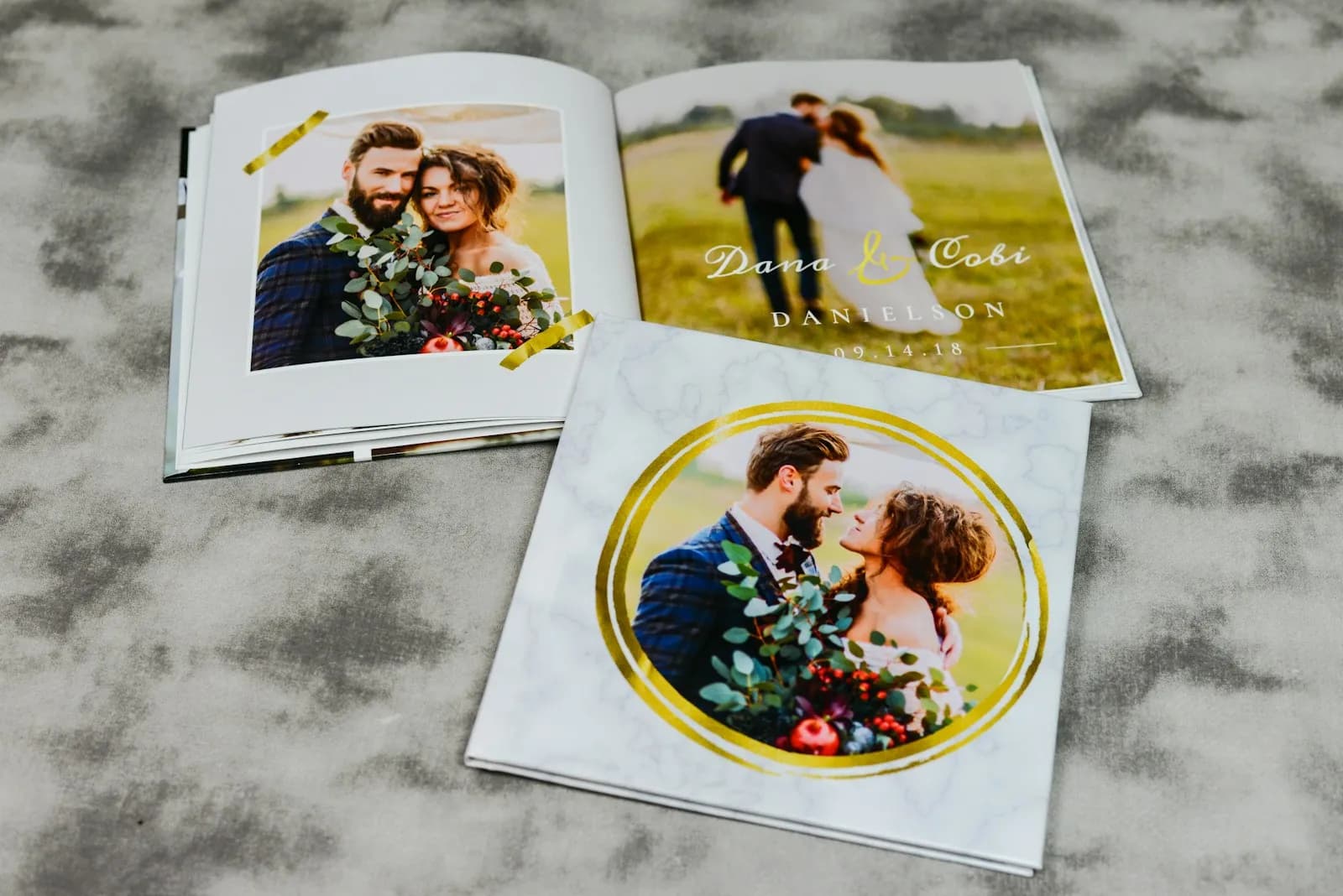
Choose 20 to 30 favorites for an album or prints. Send a link to the full set to parents and the wedding party. Ask guests before sharing a photo of them publicly.
Timeline
- ·Week 1: Reveal the roll and export.
- ·Month 1: Backups done, favorites picked.
- ·Month 6: Album or prints ordered.
- ·Before one year: Confirm your export is safely stored.
A folder system that stays readable
Create one master folder per wedding, with these subfolders:
Wedding-2027/
  01-Originals-Guests/
  01-Originals-Photographer/
  02-Favorites/
  03-Print-Ready/
  04-Shared-Copies/
Never edit or rename the files in "Originals". Work on copies. That way you can always return to the untouched version.
If you want dates in the names, use the year-month-day order (2027-06-12), because it sorts correctly on every system.
Sorting without burnout
A guest roll can run to hundreds of photos. A realistic approach:
- ·First pass (15 minutes): delete accidental shots and obvious duplicates.
- ·Second pass (one evening): mark favorites with a star or a heart. Do not edit anything yet.
- ·Third pass (a weekend, later): group favorites by moment: getting ready, ceremony, cocktail hour, dinner, dancing.
Stop when you have a set you enjoy looking at. There is no target number.
Back up with the 3-2-1 rule
A widely used photo backup rule is 3-2-1: keep three copies, on two different kinds of storage, with one copy off-site. For a wedding that could be:
- ·Your laptop (copy 1).
- ·An external drive kept at home (copy 2, different storage).
- ·A cloud folder (copy 3, off-site).
Check the backups after a month by opening a few files from each location. A backup you have never opened is not yet a backup.
File formats
Phone photos are often saved as HEIC. Some printers and older software cannot open them, so keep the originals and make a JPEG copy for sharing or printing. For prints, ask the print lab which format and color profile they prefer (many use sRGB).
Share the photos without losing control
- ·Send family a link to a shared folder or album, not a pile of attachments.
- ·Ask guests before posting a photo of them publicly, especially children.
- ·Decide who is allowed to delete photos. With Evershots, the host or the guest who took a photo can delete it, and photos are kept for one year, so export the full-quality 4K set before then.
What to print
Pick a small set: 20 to 30 favorites for an album, and a few large prints for the wall. An album you finish is better than a 200-page project that never leaves your hard drive.
A calendar for the first year
| When | Task | |---|---| | Week 1 | Reveal the roll, export everything, start the backups | | Month 1 | Second backup done, favorites picked | | Month 3 | Photographer's gallery downloaded and backed up | | Month 6 | Album or prints ordered | | Month 11 | Confirm exports are safe before any storage period ends |
FAQ
How long are Evershots photos kept?
For one year. The host, or the guest who took a photo, can delete it sooner. Export the roll in full 4K before the year is up.
Should we edit guest photos?
Light edits are fine, but it isn't required. Many couples enjoy the originals as they are.