Group trip photo sharingOne roll for the whole trip.
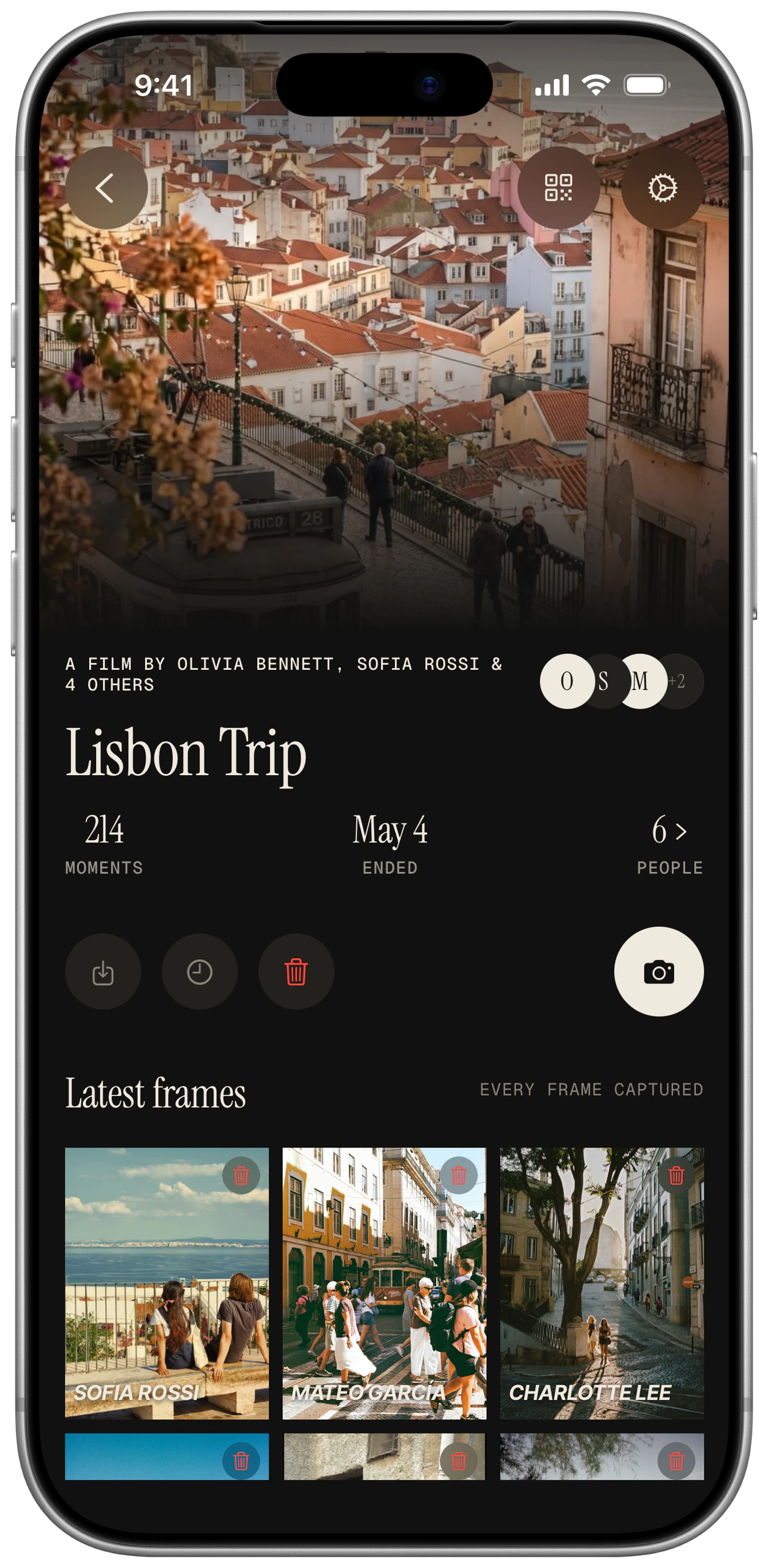
Everyone on the trip shoots into a single shared roll. Each person has a limited number of frames, nobody scrolls back through them while you travel, and friends can join without installing anything. At the reveal, the whole trip develops at once.
How it works on a group trip
- 01
One person begins the film or album for the trip and sets the reveal for the end.
- 02
Send the link in the group chat on day one. Friends join on iPhone through the App Clip or on Android in the browser.
- 03
Everyone shoots a few frames a day. Without signal, frames queue and sync when the phone reconnects.
- 04
At the end of the trip the roll develops for everyone and you export it in 4K.
Guests and shots
- Trips of 4 to 10 friends: the default of 48 shots each works for a weekend.
- Longer trips: a lower cap per person keeps the roll focused. An album is built for the long arc of a trip.
- Reveal timing can be set from 30 minutes to a week out. Choose the end-of-trip morning.
Where to put the QR card
Send the link in the group chat on day one and pin it. Print a QR for the rental fridge or the group booking confirmation.
Sign wording
- “Scan to add to the trip roll. Reveal when we land.”
- “One roll, whole trip. No app needed.”
- “Trip camera: shoot now, see it all later.”
Questions
Does it work abroad with no signal?
Guests can shoot without signal, and frames sync automatically when the phone reconnects.
Can the reveal wait until we are home?
Yes. Schedule it for up to a week out, or reveal when you are all together.
Do friends need to install the app?
No. iPhone friends get an App Clip and Android friends get the browser.
Who keeps the photos?
The photographer of each frame owns it, and the host keeps the full roll. Export everything in 4K.
Try it at your own event.
Create a film in under a minute. Your guests never need to download a thing.