Corporate event photo sharingEvery angle of the event, from every attendee.
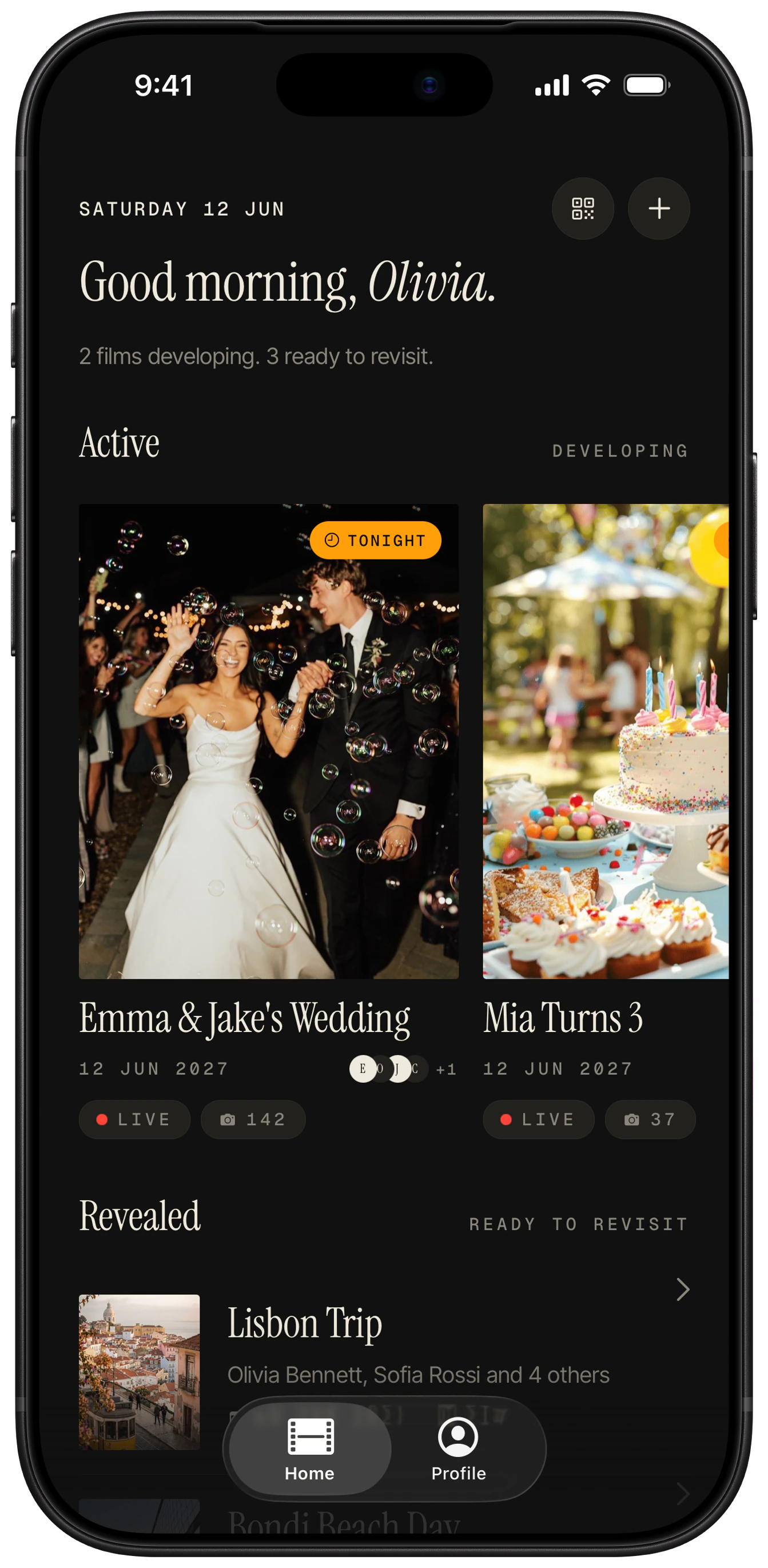
Put a QR code on the badge, the screen or the table and attendees contribute photos from conferences, offsites and launches with no app to install. Every frame shows who took it, and you export the full roll in 4K for your team afterwards.
How it works at a conference or offsite
- 01
Begin a film per event and choose the reveal, such as the end of the last day.
- 02
Show the QR code on badges, the opening slide, the registration desk and the tables.
- 03
Attendees scan and shoot a limited number of frames each. No account and no app.
- 04
After the reveal, export every frame in 4K. Each one shows its photographer.
Guests and shots
- Offsites of 20 to 50 people: the default of 48 is fine.
- Conferences with hundreds of attendees: set a lower cap so the roll stays workable, and keep one film per day if sessions run separately.
- Remind people at the start of each day. A QR on the opening slide gets the most scans.
Where to put the QR card
On the lanyard or badge, the registration desk, the first slide of every session and the coffee station.
Sign wording
- “Scan to share your photos from the event. No app.”
- “Add your angle: scan, shoot, done.”
- “Event camera: every attendee contributes.”
Questions
Can we see who took each photo?
Yes. Every frame shows who took it, so credit and attribution are never lost.
Who owns the photos?
The photographer of each frame owns it, and the host of the film keeps the canonical roll. For marketing use, collect attendee consent the way you normally would for event photography.
Can we export everything in full quality?
Yes. Full 4K export is included for every film.
Can we get an invoice for expenses?
Purchases are billed by Apple or Google, so receipts come from the store you bought from. Ask us at support if you need something different for expenses.
Do attendees need to install anything?
No. An App Clip on iPhone and the browser on Android keep it to one scan.
Try it at your own event.
Create a film in under a minute. Your guests never need to download a thing.