The short answer: use a shared Google Photos album if your guest list is small and everyone is comfortable with Google, use a WhatsApp group only for family you already chat with, and use a dedicated wedding photo QR gallery when you have a mixed crowd and want guests to join without an account or an install. Whichever you choose, test it on a phone that isn't yours before you print anything.
Couples often tell us the same things: guests won't make an account just to upload photos, nobody wants to join a large group chat, and no one wants their photos squashed. Here is how the three common options compare on those points.
The three options, side by side
| Google Photos shared album | WhatsApp group | Dedicated QR gallery (Evershots) | |
|---|---|---|---|
| What guests need | A link. Google says anyone with the link can view and add; sign-in prompts can vary by phone, so test. | WhatsApp installed, and an invite to the group | A phone camera to scan the QR code, and a name. No account, no install |
| Existing photos from the camera roll | Yes, guests pick from their library | Yes, as chat messages | Yes. A gallery button lets guests pick photos already on their phone |
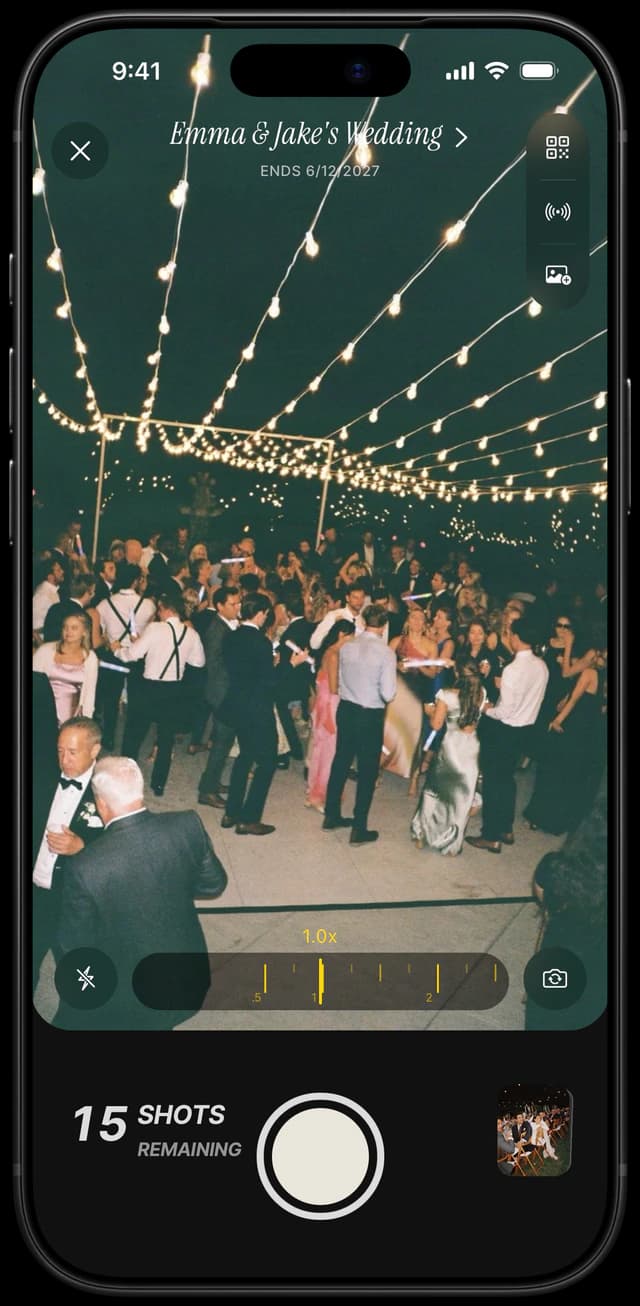
| New photos during the party | Guests use their own camera app, then upload | Guests use their own camera app, then send | A shared camera opens from the code, with a per-guest shot cap you set |
| Photo quality | Depends on the guest's upload settings | Compressed by default; HD and send-as-document options exist | Full-resolution export |
| Reveal control | No | No | Instant or scheduled |
| Cost | Check Google's current storage terms | Free to use | One-time, by guest count. See pricing |
When Google Photos is enough
A shared album is free to set up and everyone knows what a link is. It works best for a small wedding where most guests already use Google Photos and you are happy to ask people to upload after the event. Google's help page says that when you share a link to your album, anyone with the link can view the photos and add to the album. The catch is the process, not the tool: the guest still has to remember to upload, usually days later. Our guide to collecting guest photos without the group-chat chaos covers why that step is where most photos get lost.
When WhatsApp is enough
A group chat is fine for the people already in your family chat. It stops working for a wide guest list: many guests don't want to join a large group, and photos sent as regular chat images are compressed unless the sender uses the HD option or sends them as documents. Third-party guides describe the HD option as still not original quality, so don't treat a chat as your archive.
When a dedicated QR gallery fits
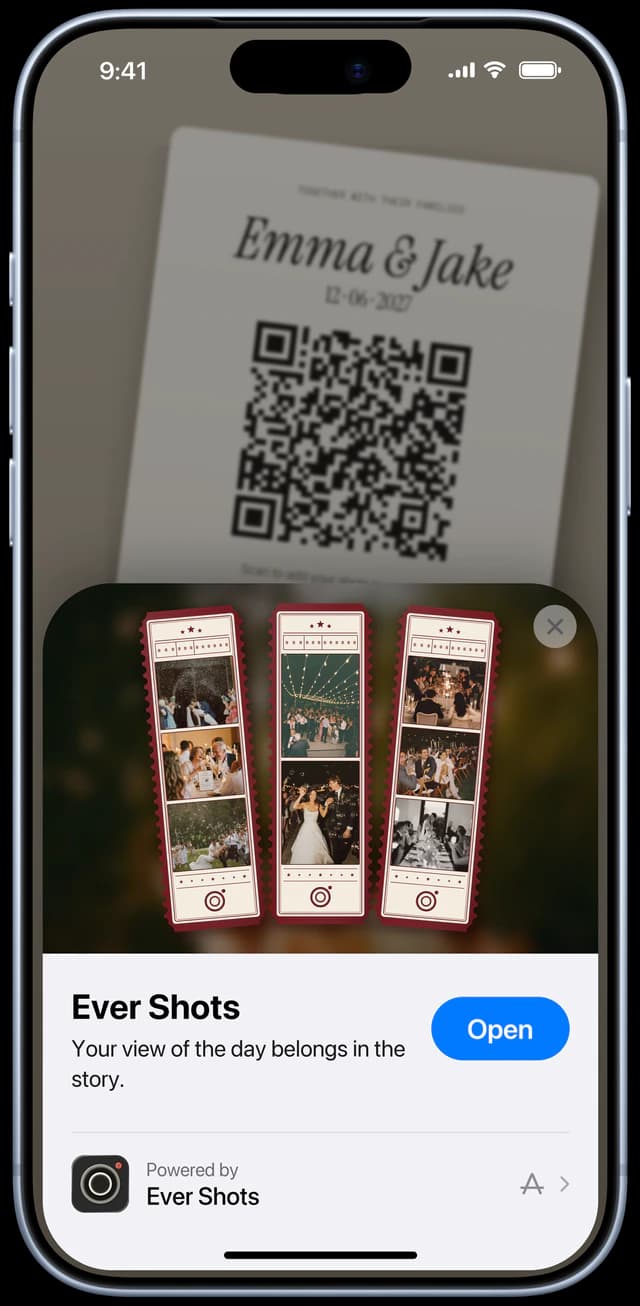
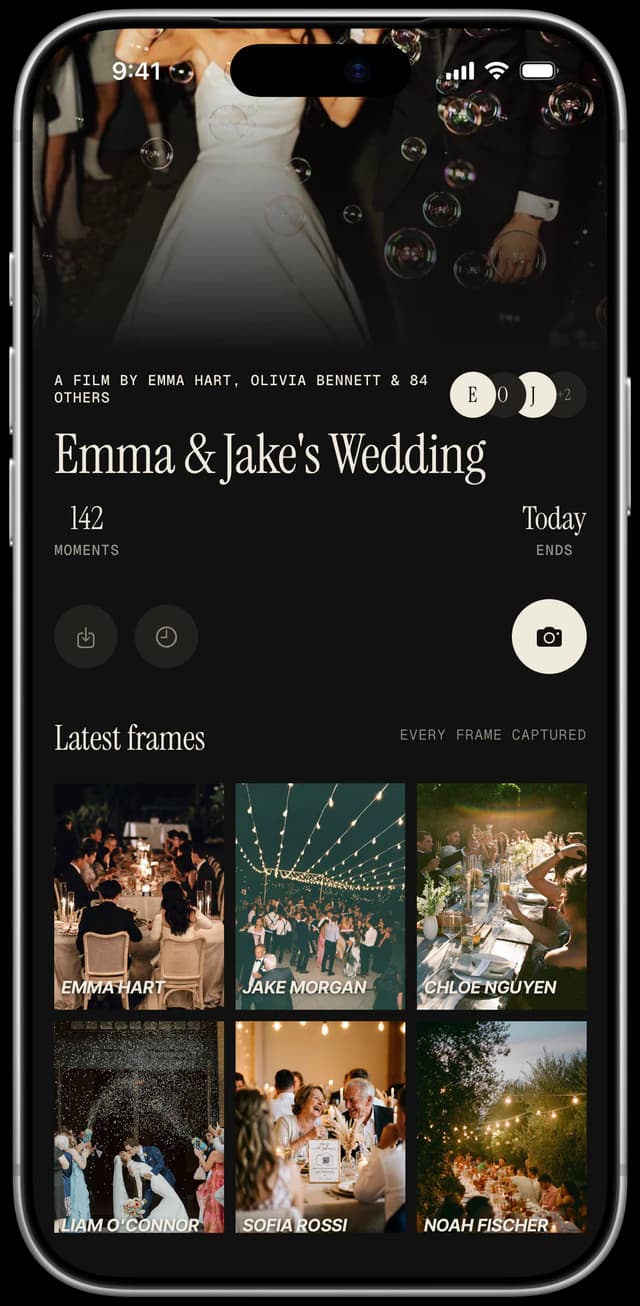
Choose one when your guest list is mixed in age and comfort with technology, when you want photos to flow in during the night, and when you don't want any guest to sign in or install anything. With Evershots a guest scans the code, enters a name and either shoots in the shared camera or picks photos they already took. We explain the whole flow in how to let guests upload photos with a QR code.
Test it before you print
What to ask before you choose
- ·Do guests need to sign in or create an account? If the answer is yes, expect fewer uploads.
- ·Can guests add photos they already took, or only new ones? You want both.
- ·What happens to image quality? Ask about compression, and about export.
- ·Can you print the code before the wedding? The code should be stable once created. Check what controls when guests can add photos.
- ·What does it cost at your guest count? Compare current prices, since they change. Our dated comparison of disposable camera apps shows what each one publishes.
FAQ
Is a shared Google Photos album a good way to collect wedding photos?
It can be, especially for a small wedding. Google's help page says anyone with the link can view and add to a shared album. The weak point is that guests usually upload afterwards, if they remember, so many photos never arrive.
Does WhatsApp reduce photo quality?
Photos sent as regular chat images are compressed by default. WhatsApp has an HD option and a send-as-document route, but guests rarely use them, and some third-party guides say HD is still not the original file.
Can wedding guests upload photos without logging in?
With Evershots, yes: guests scan the QR code and enter their name. There is no account or password, and nothing to install on iPhone or Android.
Can guests upload photos they already took?
In Evershots, yes. Guests can shoot new frames or pick photos from their phone gallery, and both join the same shared roll.
Keep reading: QR code guest books for weddings and the best wedding photo apps and what each is for.