A QR code is a link that guests can scan with their phone camera. At a wedding, the most useful ones point to a website, a shared camera, directions, or a song request form. Use a few, make each one clearly labeled, and test them on both iPhone and Android.
Fifteen ideas
- ·Shared photo camera. Guests scan and shoot with no app. See our QR code setup and sign wording.
- ·Wedding website. Put it on your invitation or save-the-date for schedule, lodging, and registry.
- ·Directions and parking. A code on the invitation that opens a map pin.
- ·Song requests. A simple form for guests to suggest one track.
- ·Menu and dietary info. Replace printed menus.
- ·Order of events. A page that updates if the schedule shifts.
- ·Shuttle times. Posted at the hotel front desk.
- ·Live notes for guests. A simple page for announcements.
- ·Thank-you page. On the favor or exit card, linking to a note or the photo roll.
- ·Guest message form. A digital alternative to the paper guest book. See guest book alternatives.
- ·Seating chart lookup. A page where guests search their name.
- ·Registry or honeymoon fund. On the website card, not on every table.
- ·Kids' activity page. Printable pages and a short photo challenge list.
- ·Accessibility and parking info. Step-free routes, drop-off point and restroom locations.
- ·Vendor credits. A small card thanking your vendors, linking to a simple page.
Placement and size
- ·Keep codes at least about 1 inch (2.5 cm) square, larger for signs.
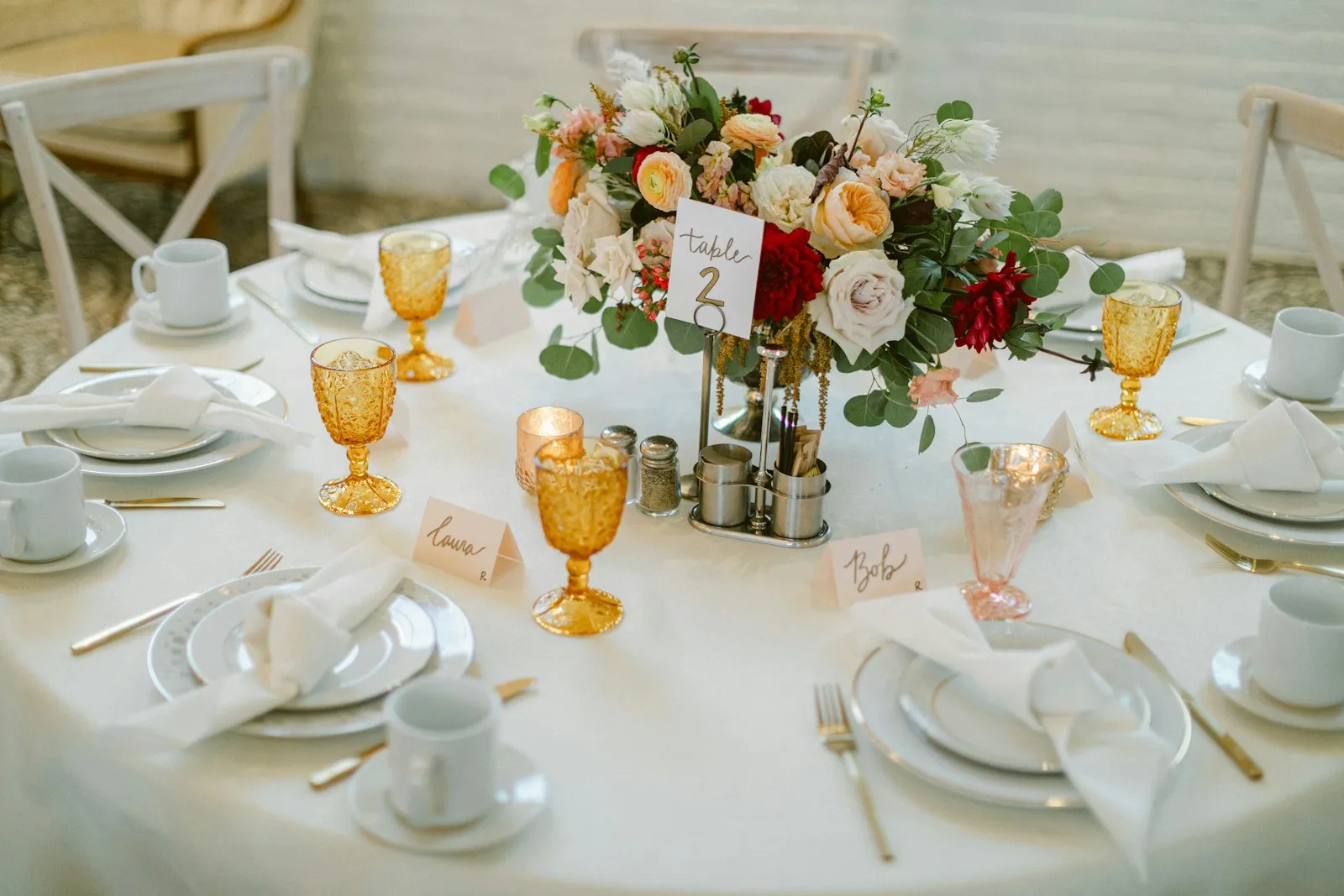
- ·Put the main code at the entrance, on each table, and near the bar.
- ·Leave white space around the code and print in dark on light.
Test before you print
- ·Scan on iPhone and Android.
- ·Scan in dim light.
- ·Check that each link works without a login.
- ·Print one proof.
Design a QR code that scans
Most scanning failures come from a few simple mistakes.
- ·Size: keep codes at least about 1 inch (2.5 cm) square on a table card and larger on signs. Print bigger if people will scan from a distance.
- ·Contrast: use dark on light. Avoid putting a code on a busy photo or a textured background.
- ·Quiet zone: leave a clear margin around the code, about the width of four of its small squares.
- ·Finish: matte paper scans better than glossy, which reflects light.
- ·Test: scan every printed code on an iPhone and an Android phone, in dim light, from arm's length.
Static or dynamic codes
A static QR code stores the web address inside the pattern. Once printed, it cannot change. A dynamic code points to a redirect that its service controls, so the destination can be updated, but it may stop working if the service shuts down or an account lapses. For anything printed on a sign you will use once, a static code to a link you control is the safer choice. If you use a dynamic code, confirm how long it stays active.
Match the destination to the moment
The Knot's 2023 Real Weddings Study reported QR codes on 38% of save-the-dates and invitations, up from 18% the year before, used to capture RSVPs or link to a wedding website. That suggests guests are increasingly comfortable scanning, but it does not mean every guest will. Offer a short written link next to each code for guests who prefer to type.
| Where | Best link | |---|---| | Invitation | Wedding website | | Welcome sign | Order of events, or the photo camera | | Table card | Photo camera | | Bar | Menu, or the song request form | | Hotel desk | Shuttle times |
Accessibility
- ·Use large print for the wording and the short link.
- ·Describe what the code does ("Scan to add your photos"), not just "Scan me."
- ·Keep the destination page simple and readable on a small screen.
Privacy
Do not link to a document that contains guests' personal details, such as addresses or phone numbers. Use a link without a password only for content you are happy for anyone with the link to see. If you share a photo roll, tell guests who can see it and when.
Printing plan
- ·Decide how many codes you need (one per table, one at the entrance, one at the bar).
- ·Order a proof and test it before ordering the full run.
- ·Print spares, and tape a few to the back of a sign in case a card is damaged.
- ·Keep the digital file backed up so you can reprint.
Where Evershots fits
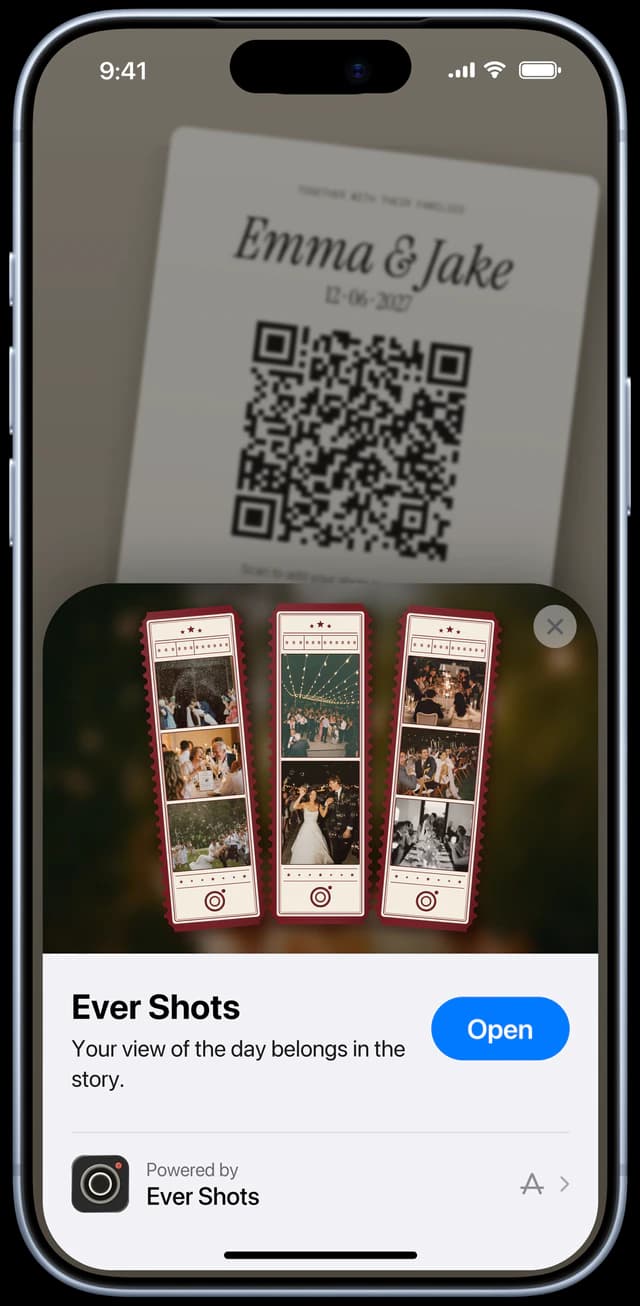
Evershots creates a QR card and link for each event. Guests scan, and on iPhone an App Clip opens the camera, while on Android it opens in the browser. They need no account. The host sets the shot limit (48 by default) and the reveal. Use the free sign templates above for layouts and wording, then add your own code.
FAQ
Do guests need a QR app?
No. Modern iPhone and Android cameras scan QR codes directly.
How many QR codes is too many?
More than three or four starts to confuse guests. Pick the ones that matter and label each.
Related: QR code guest books.