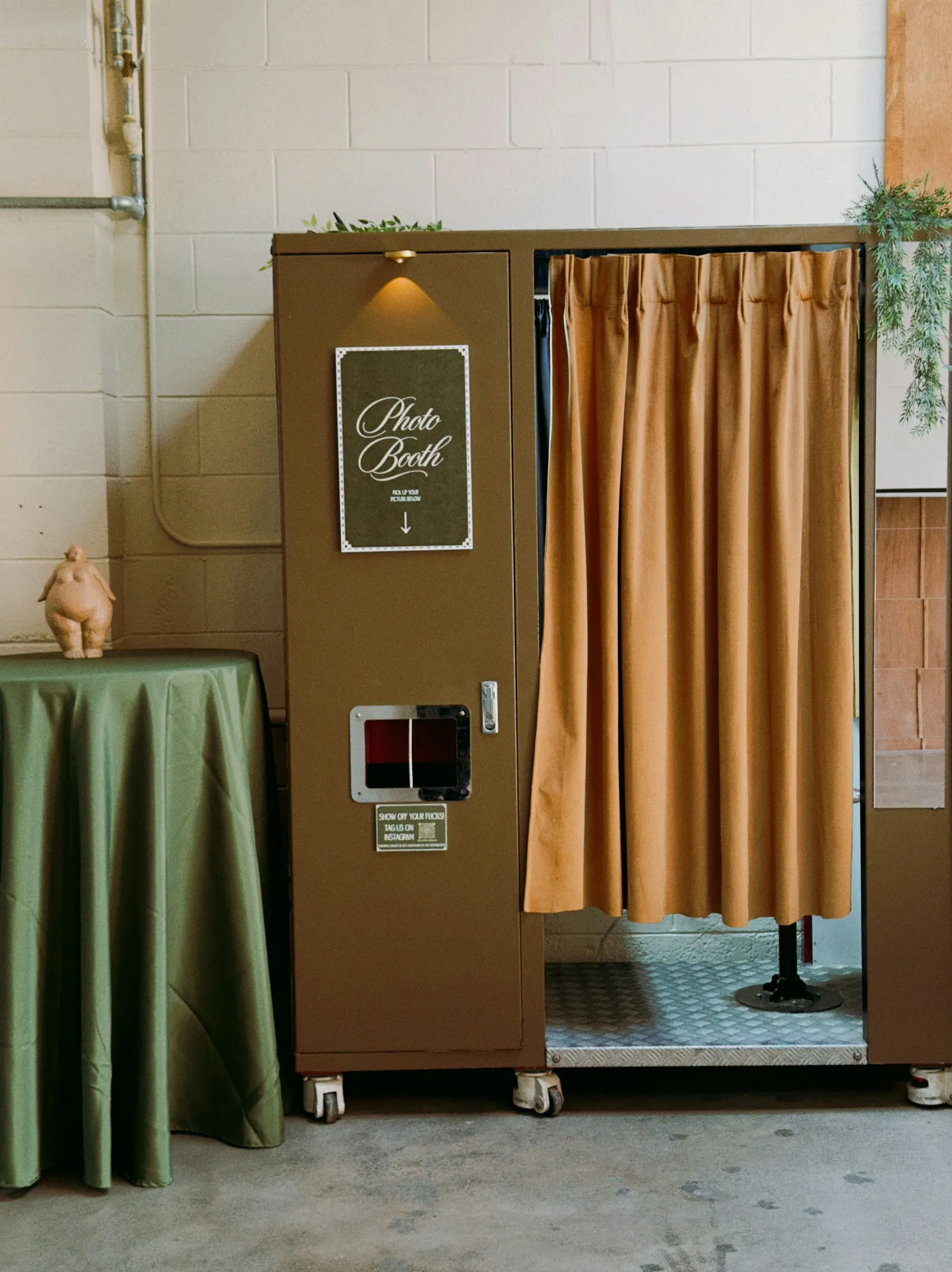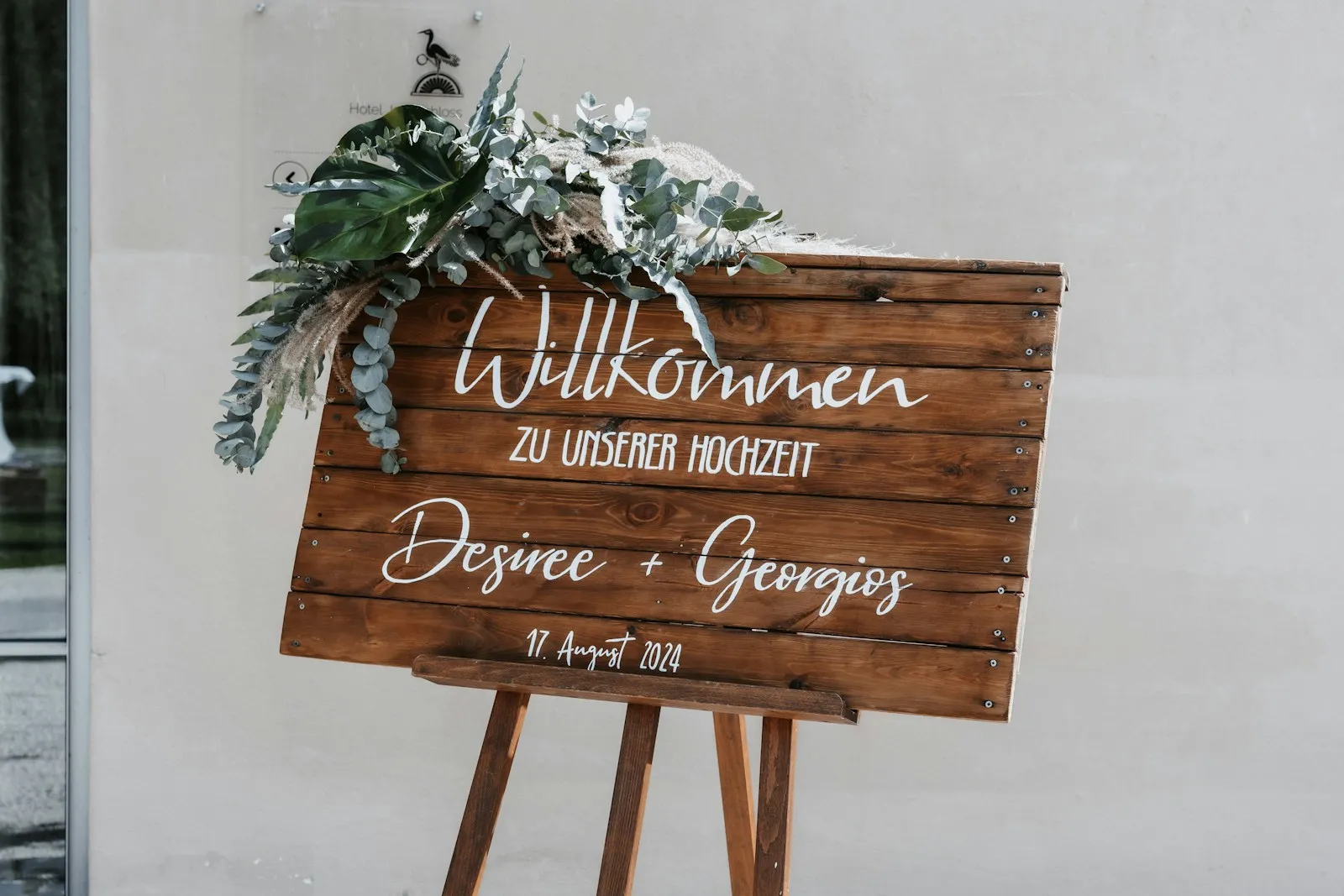
The short answer: a QR code sign works when it says three things in a few words: what the guest does, that it takes no effort, and why it matters to you. "Scan to add your photos. No app, no sign-up." covers all three. Below are thirty variations you can copy, grouped by tone.
Before you pick a line, create your film so you have a real code to print. In Evershots, guests scan the code, enter a name and either take photos or add ones already on their phone. There is no account and nothing to install, so your sign can truthfully promise "no app, no sign-up".
Short and direct
- ·Scan to add your photos to our wedding gallery.
- ·No app. No sign-up. Just scan.
- ·Scan, add a few photos, done.
- ·Share your photos from today. Scan here.
- ·Our wedding photos, from your phone. Scan to add yours.
- ·Take a photo or add one you already took. Scan.
- ·Your photos belong in our album. Scan to share them.
- ·One scan, one shared gallery.
Warm and personal
- ·Help us see the day through your eyes.
- ·We couldn't be everywhere. You were. Scan and show us.
- ·Every guest is our second photographer tonight.
- ·The best photos of today will come from you.
- ·We want the moments we missed. Scan to share yours.
- ·See the day from every seat in the room.
- ·Show us what you saw.
Playful
- ·Be our photographer for a night. Scan here.
- ·Your phone, our memories. Scan to add them.
- ·Caught the dance floor? Scan and prove it.
- ·Got a great shot of the happy couple? Scan.
- ·Photo evidence of tonight starts here.
Clear instructions
- ·Scan the code with your phone's camera, enter your name, then take or add photos.
- ·Point your camera here. It opens right away, with nothing to download.
- ·Works on iPhone and Android. Just scan.
- ·Already took photos today? Add them from your gallery after you scan.
For the reveal
- ·Photos stay hidden until [date], then everyone sees them together.
- ·Take photos now, see them all on [date].
- ·The whole night comes back on [date].
- ·Shoot tonight, watch the gallery open together later.
For the table card
- ·Table [number]: scan to add your photos from tonight.
- ·Please use your phone for this one thing. Scan, shoot, enjoy the night.
Lines 25 to 28 assume you chose a scheduled reveal. Evershots lets you pick any reveal time, or an instant one, so fill in the date you set.
Where to put it
Test before you print
Scan your code on an iPhone and an Android phone that aren't yours. Check that you can enter a name, take a photo and add one from the gallery. Do this before you order fifty cards.
FAQ
What should a wedding QR code sign say?
State the action (scan to add photos), the effort (no app, no sign-up) and the reason (we want the moments we missed). Short lines work best because guests read signs in passing.
Can guests add photos they already took?
In Evershots, yes. After scanning, guests can shoot new photos or choose ones from their phone gallery.
Should the sign mention the reveal?
Only if you chose a scheduled reveal. Naming the date builds anticipation and tells guests why the gallery looks empty at first.
Keep reading: how to set up a QR code for wedding photos, QR code guest books for weddings, and wedding guest engagement ideas.